What the new SoftMaker Office NX Universal does better
An overview of the key new features
LanguageTool and Duden Korrektor
Better writing in TextMaker – error-free and stylistically polished
TextMaker includes not one but two powerful language checkers: the brand-new Duden Korrektor for proven spelling, grammar and style checking in German – and LanguageTool for comprehensive grammar and style analysis in German, English, French and more than 30 other languages.


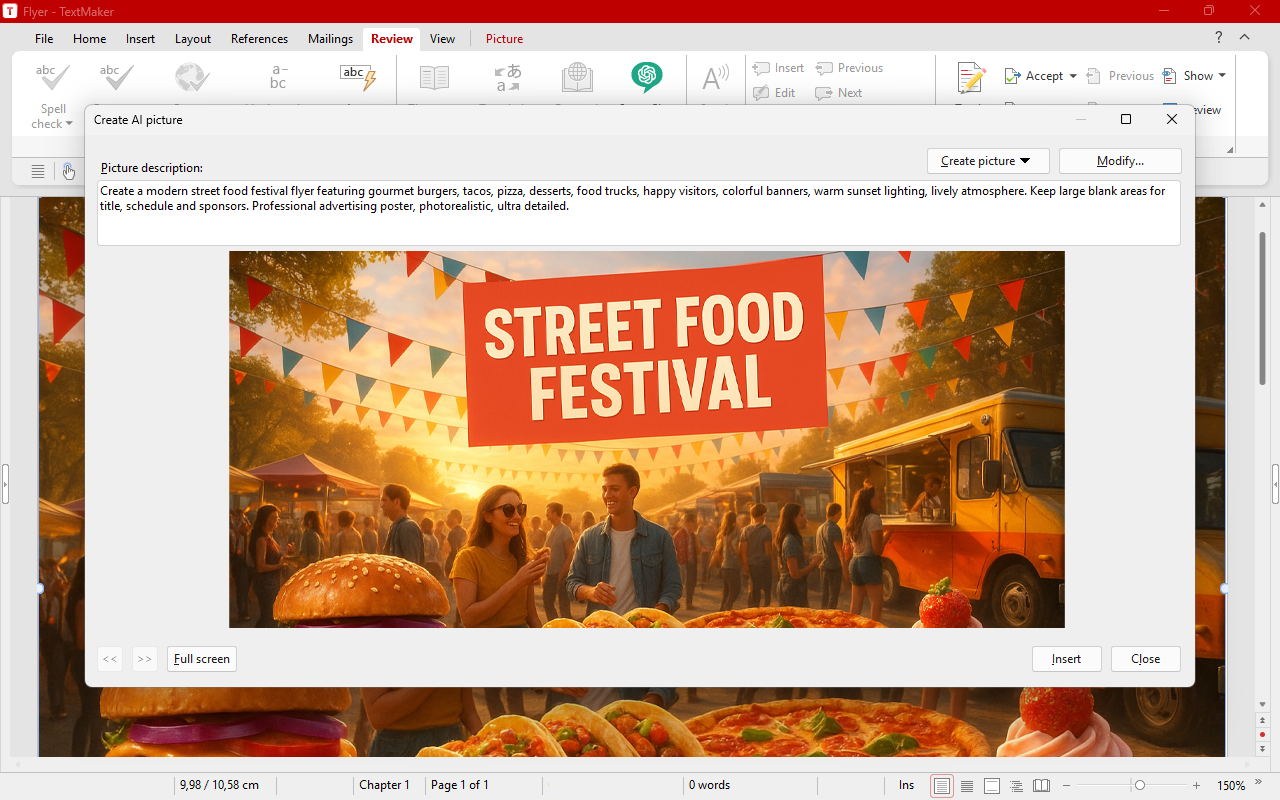
Create and transform AI images
High-quality images directly from SoftMaker Office
Create high-quality, copyright-free images directly in SoftMaker Office with ChatGPT’s AI – for example, "a picture of the Statue of Liberty at night with fireworks".
Or completely transform existing images: “Replace the rainy sky in this image with sunshine and a few light clouds.”
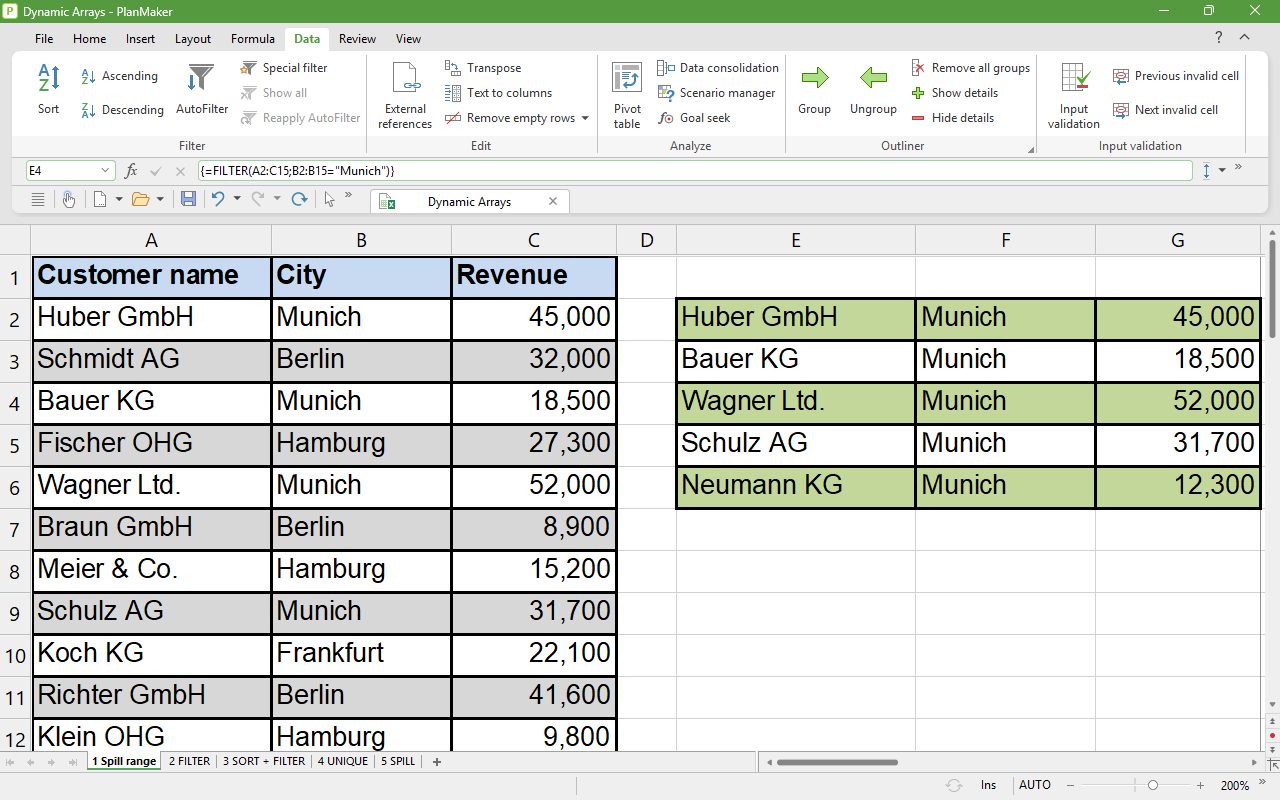
Dynamic arrays and new calculation functions
One formula, many results – just like in Excel 365
PlanMaker now supports dynamic arrays: A single formula can return multiple results that automatically "spill" into adjacent cells and update automatically when the data changes. For example, enter =SORT(A2:A100) – and the entire sorted list will appear below.
Related new functions: FILTER, SORT, UNIQUE, SEQUENCE, TOROW, TOCOL and RANDARRAY. Also included are the flexible XLOOKUP and XMATCH, WORKDAY.INTL and NETWORKDAYS.INTL, AGGREGATE, CONVERT, as well as UNICODE and UNICHAR.
Markdown import and export
TextMaker now opens and saves Markdown files (.md) – the format used by many note-taking apps, AI tools and software documentation.
Color themes
Give documents, worksheets and presentations a new color scheme with a single click – complemented by a new, practical default color palette.
QR codes for bank transfers
Create multi-line QR codes and EPC QR codes – for example, for bank transfers that can be completed simply by scanning.
PDF as an image format
Insert PDFs as graphics in TextMaker, PlanMaker and Presentations – another high-quality vector format alongside SVG.
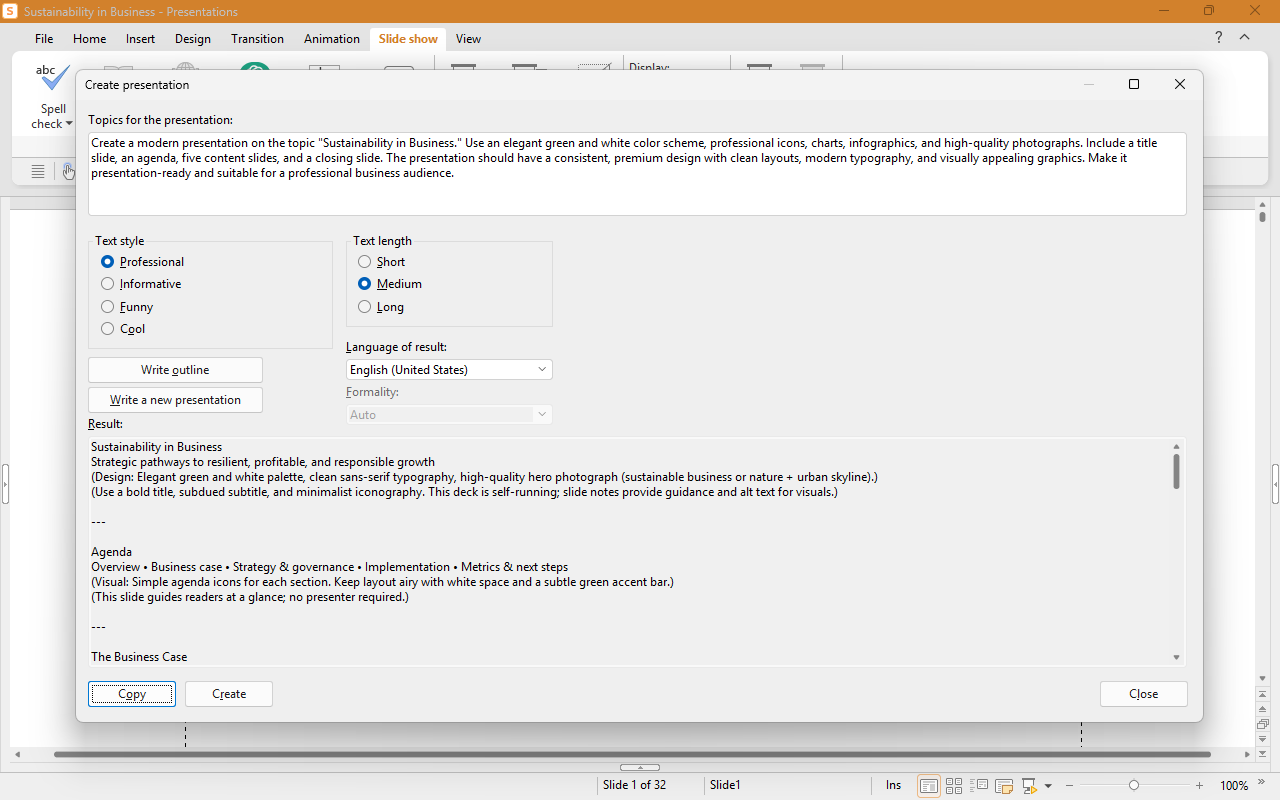
Artificial intelligence in Presentations
Create slides from a topic and summarize presentations
Just give ChatGPT a topic, and the AI will create slides with text and headings as a starting point for your presentation.
Conversely, AI can summarize long presentations at the touch of a button – ideal for quickly grasping unfamiliar slide decks or creating a handout.
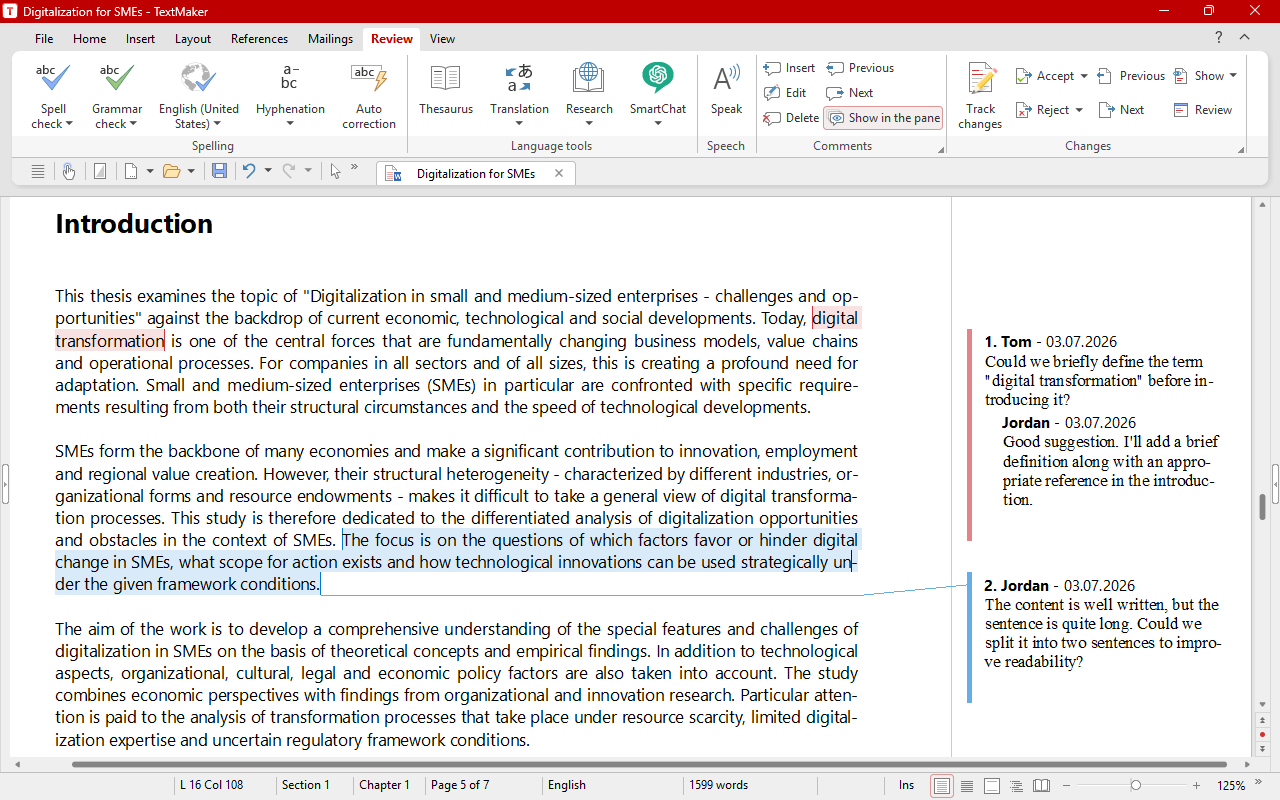
Reply to comments
Reply to comments, resolve them and coordinate with your team
In TextMaker, you can now reply to comments and mark entire discussions as "resolved" – ideal for collaborating on documents.
In tables, comments now apply specifically to individual parts of the text rather than to entire cells.
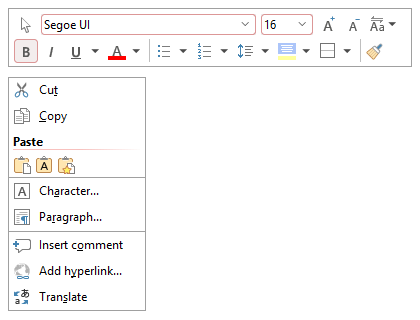
Context menus with an integrated toolbar
Keep the most important commands at your fingertips
The new context menus include an integrated mini toolbar. This gives you one-click access to many common commands with a simple right-click – without having to go through the ribbon.
Pivot charts
You can now also display the data in a pivot table dynamically and interactively as a pivot chart.
Highlighter
The new text highlighter highlights important passages of text – in TextMaker, PlanMaker and now in Presentations.
Looks great on every screen
The redesigned ribbon now uses perfectly optimized icon sizes even at 150% screen scaling – for a consistently clean, harmonious look.
Paste unformatted
Copying and pasting without formatting – with Ctrl+Shift+C and Ctrl+Shift+V.
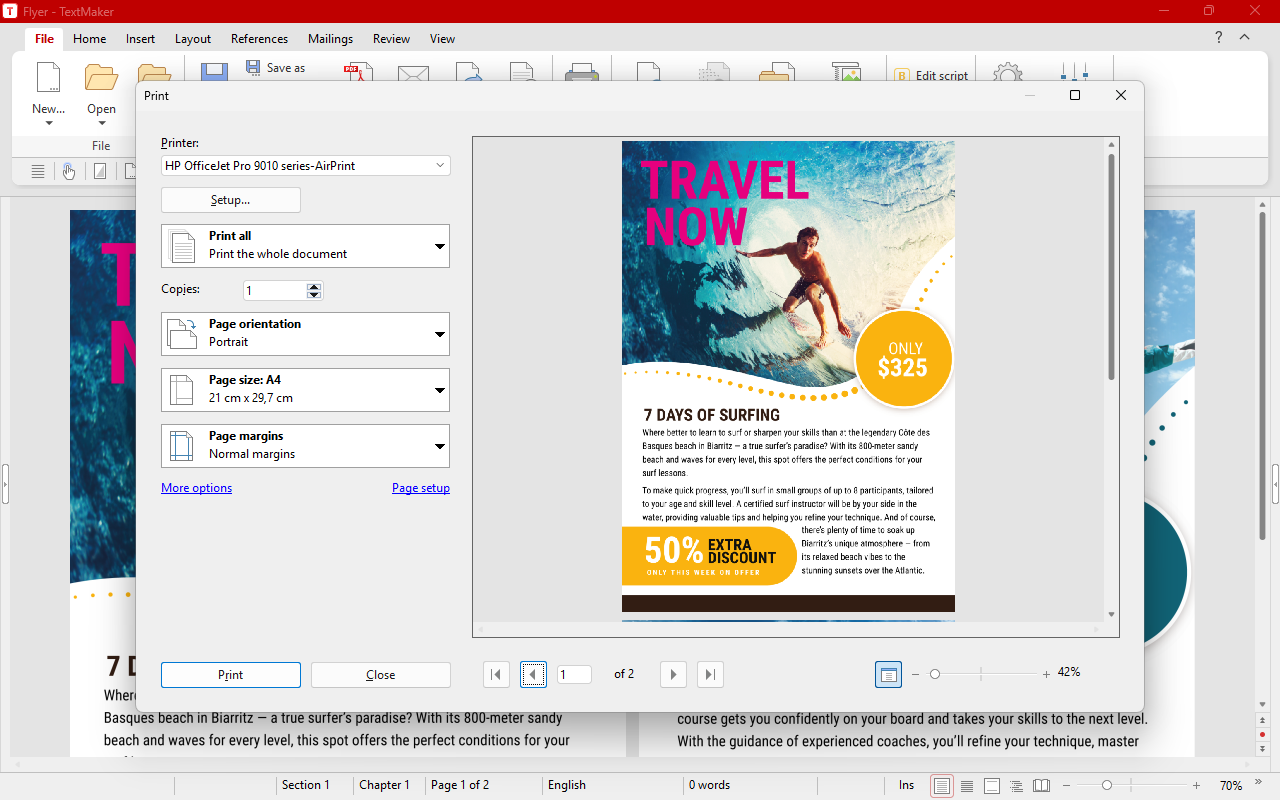
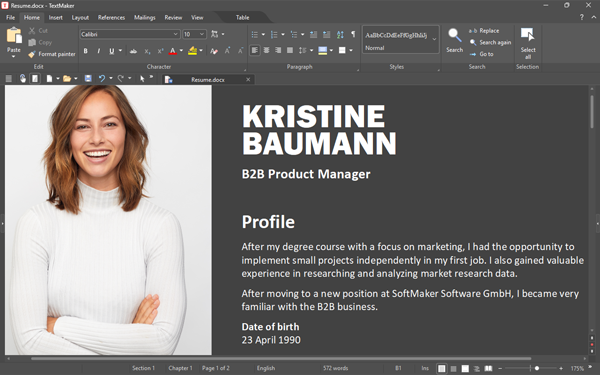
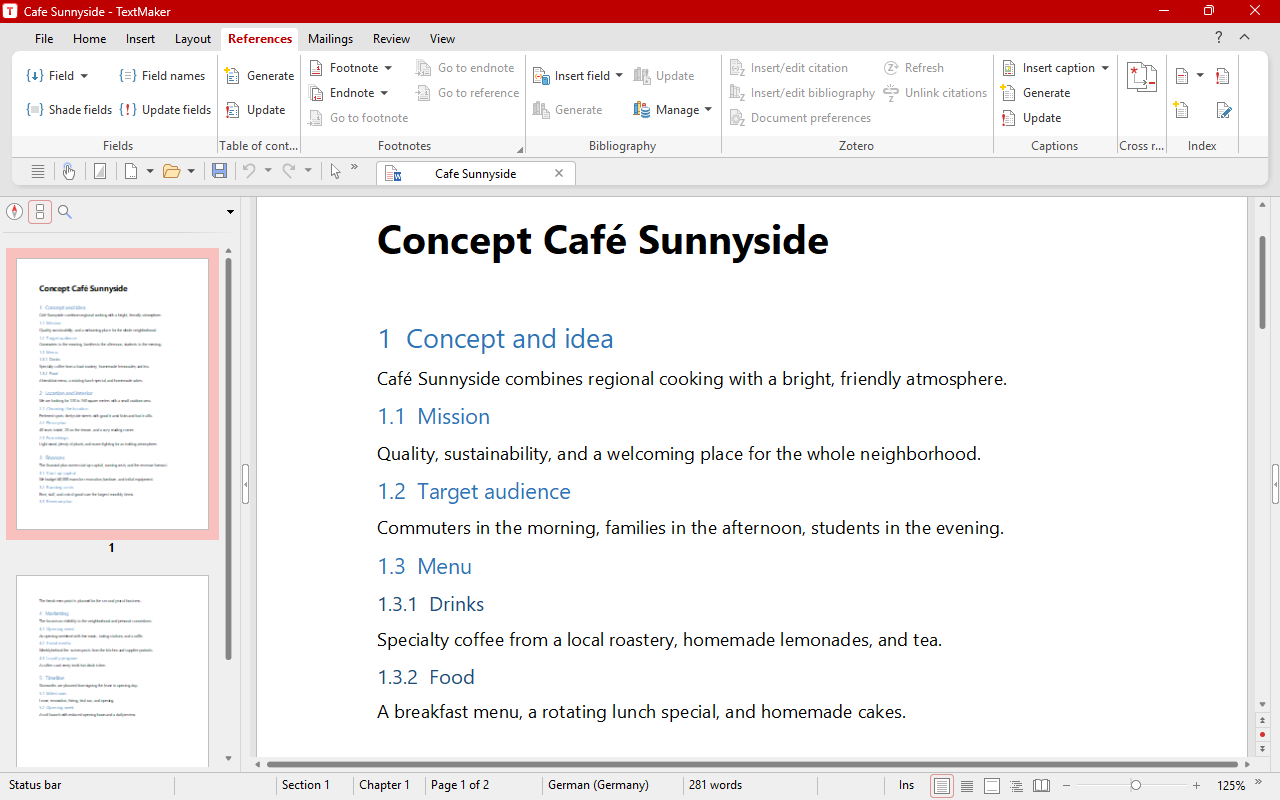
Smooth DOCX compatibility
No more compatibility concerns
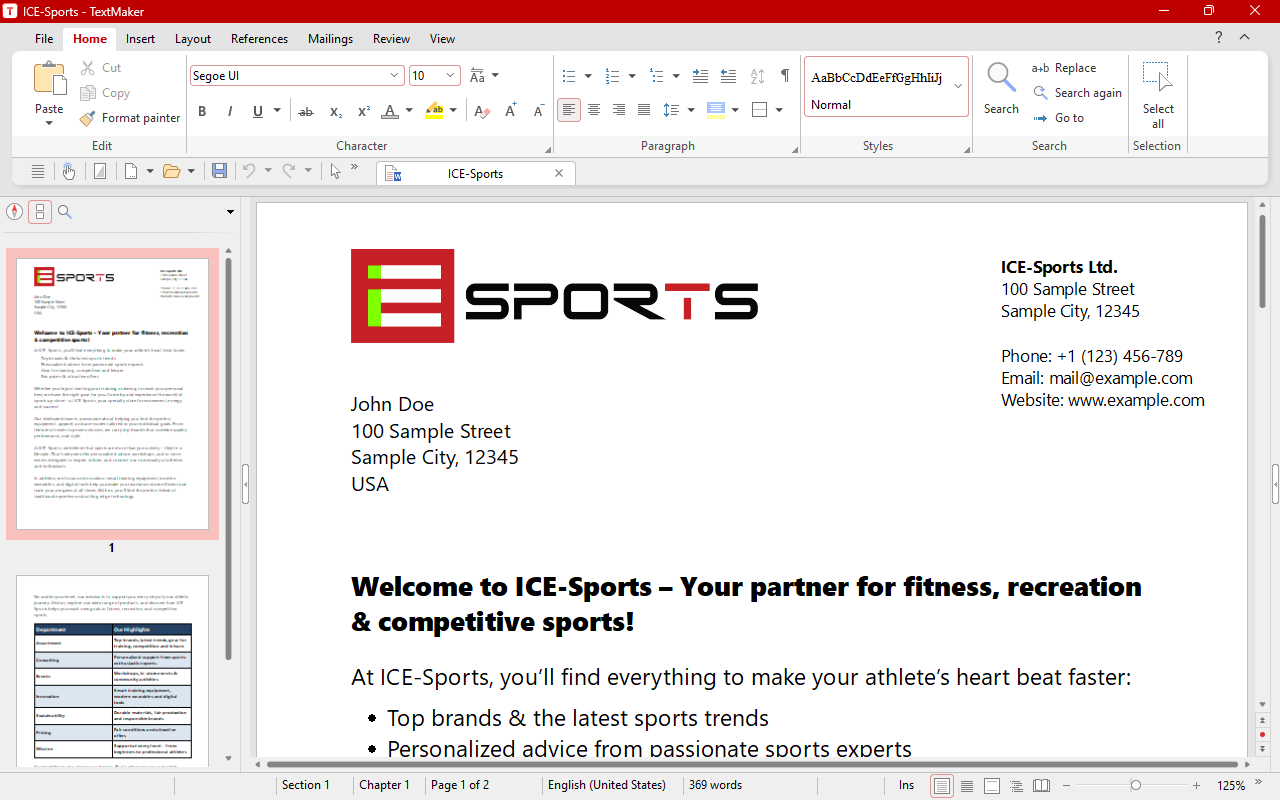
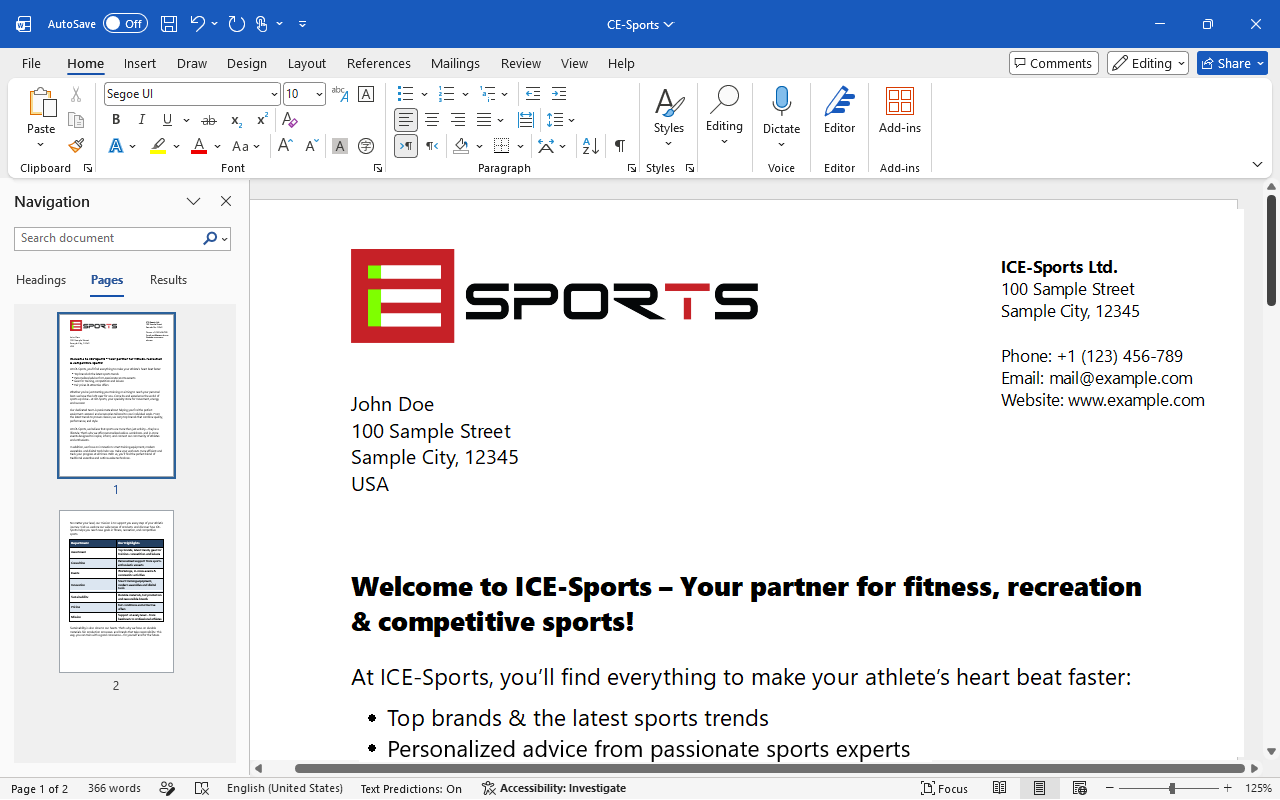
DOCX files are now created so that no compatibility prompt appears either when saving in TextMaker or when opening in Word. This makes working with Microsoft Word even smoother.
Windows
Now you can easily insert emojis into your documents.
Mac and Linux
Variable TrueType fonts are now better supported.
Linux
The system file dialog now also appears even without Gnome – only the Gtk libraries need to be installed.
This is a selection of the improvements in the new version.
Click on the following button for the complete list.