PlanMaker
The GDPR-compliant alternative to Microsoft Excel
PlanMaker is the spreadsheet application in SoftMaker Office NX Universal:
fast, powerful, compatible and GDPR-compliant.
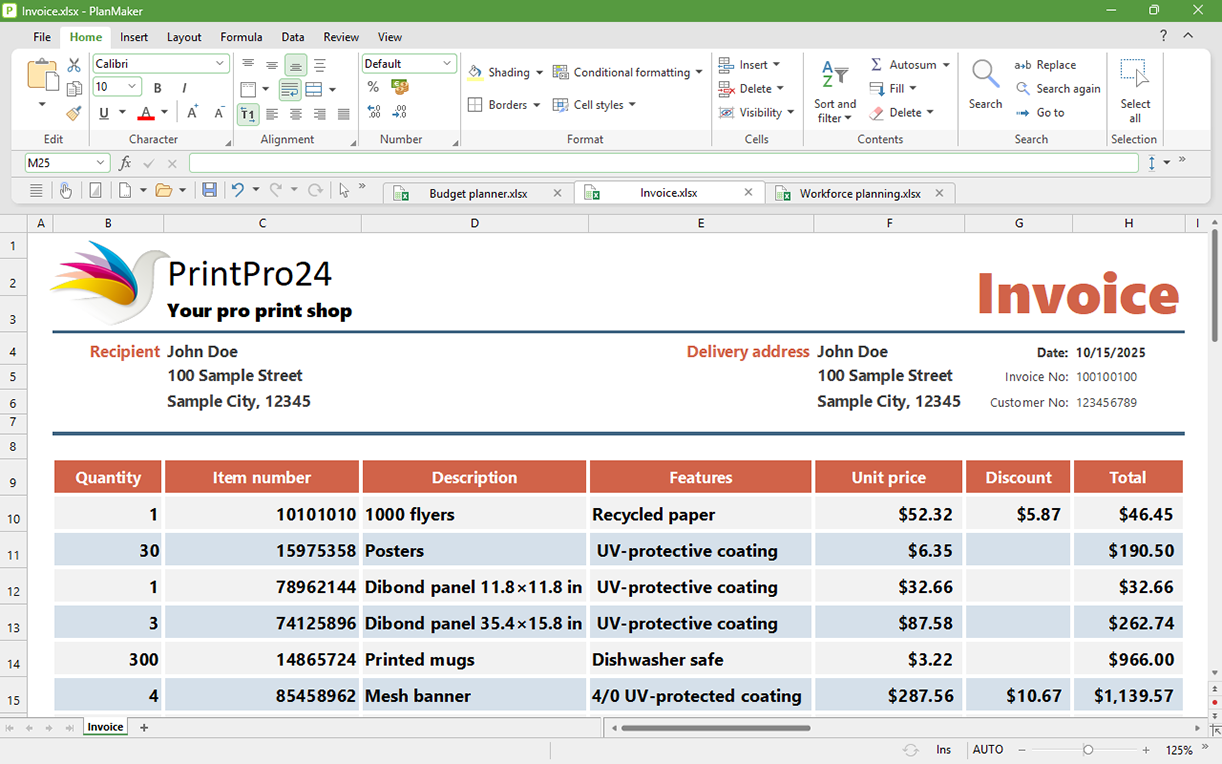
PlanMaker on all five operating systems – same worksheet, same formatting.
Compatible with Excel
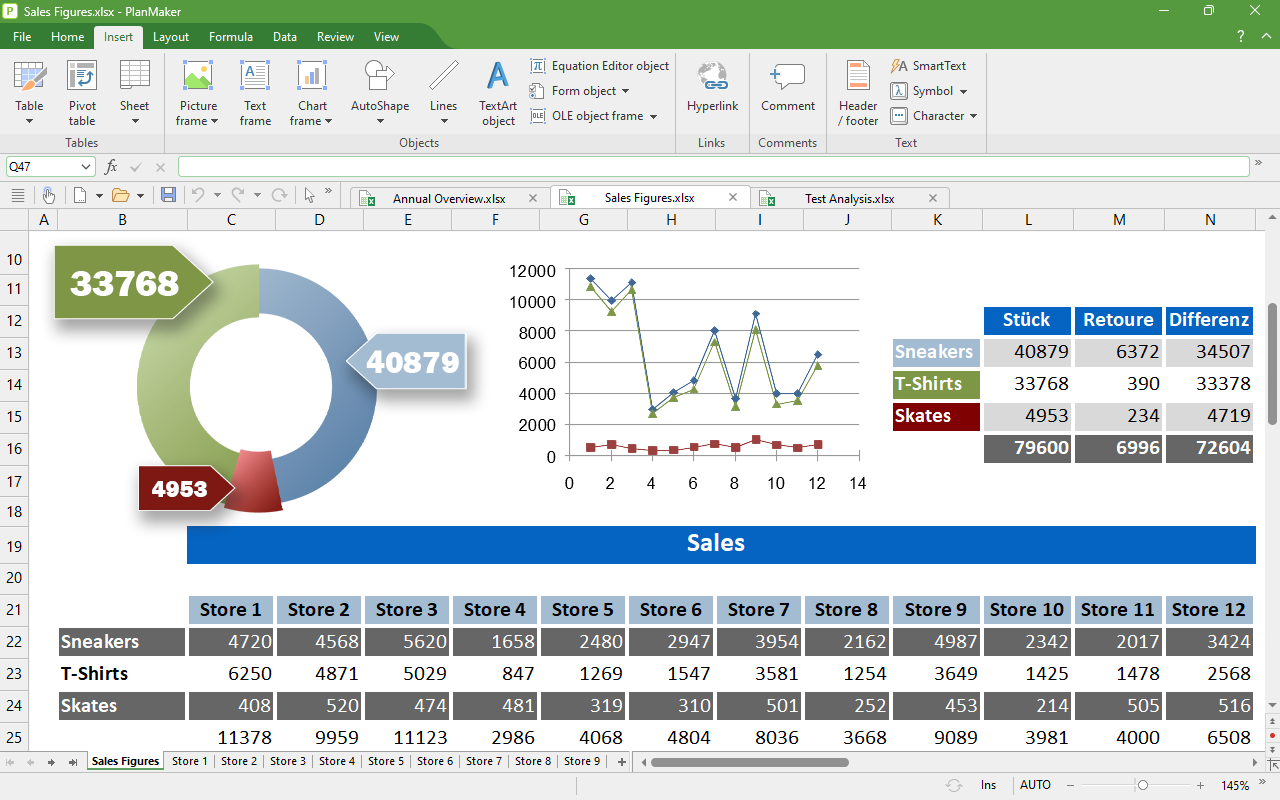
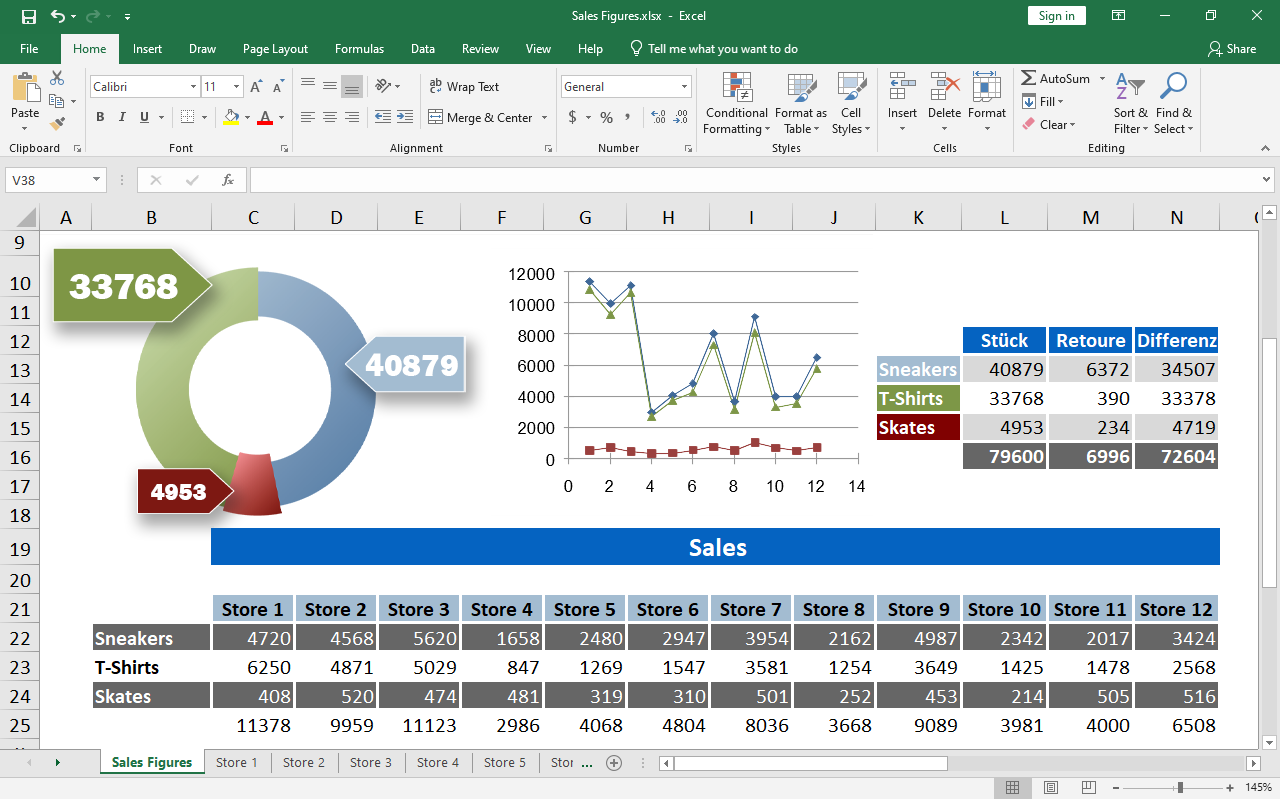
Seamless exchange of documents
XLSX is the default file format of PlanMaker. Open worksheets created with PlanMaker directly in Microsoft Excel – and vice versa, without conversion.
With PlanMaker, the GDPR-compliant alternative to Microsoft Excel, you can also edit XLS files and create PDF and PDF/A files from your worksheets.
What’s new in this version
Modern calculation tools for your spreadsheets
Dynamic arrays
One formula, many results: Dynamic arrays automatically spill over into neighboring cells and update themselves whenever the data changes. New functions like FILTER, SORT, UNIQUE and SEQUENCE take advantage of this.
XLOOKUP and around 30 new functions
XLOOKUP is the flexible successor to VLOOKUP and makes looking up values in tables much easier. In addition, there are XMATCH, WORKDAY.INTL, AGGREGATE and many more calculation functions.
Pivot charts
Display pivot table data in a dynamic, interactive chart – for analyses that can be updated at the push of a button.
New print preview
The redesigned print dialog includes an integrated preview and makes preparing the printout much easier.
You can find the complete list of what's new here.
Calculate and analyze
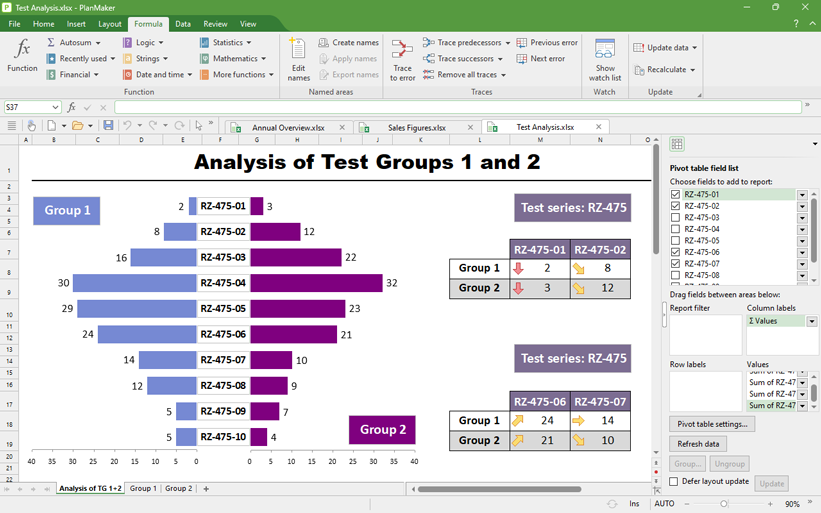
Find the right solution in large data sets
PlanMaker, the GDPR-compliant alternative to Microsoft Excel, allows up to one million rows per worksheet. To analyze these large volumes of data, you use pivot tables, data consolidation, scenarios, data grouping, AutoFilter and advanced filters. The status bar displays multiple calculations in real time, so you can immediately see when important values change.
If an error has crept in, syntax highlighting and formula auditing will quickly lead you to the source of the problem.
Attractive worksheets
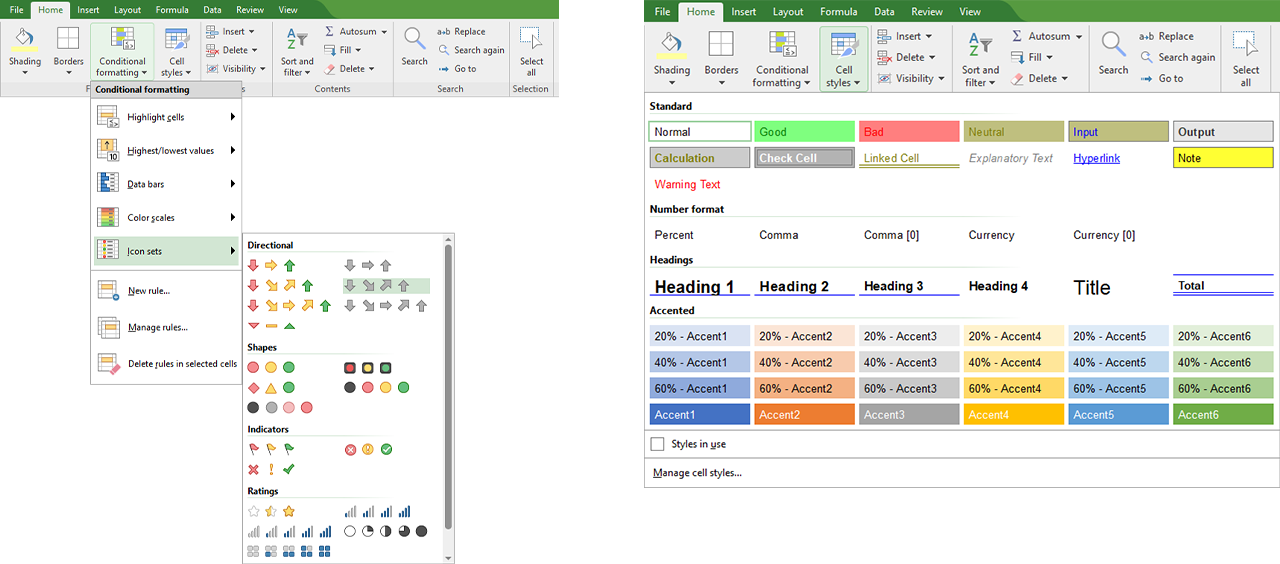
Design worksheets with PlanMaker
Create attractive worksheets using the cell-style catalog.
With conditional formatting, PlanMaker automatically highlights the highest or lowest values in a range using colors or icons. Likewise, PlanMaker assigns each value in a range a color from a gradient and visualizes magnitudes with data bars.
Calculate on the go with the convenience of a desktop spreadsheet program
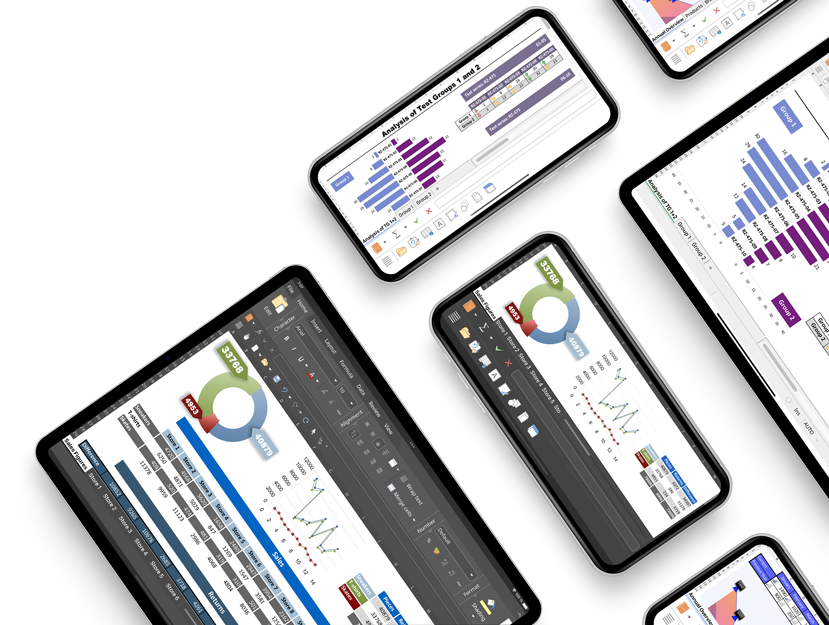
Work on your worksheets whenever and wherever you want
PlanMaker runs on more than just Windows, Mac and Linux. As a SoftMaker Office NX Universal user, you also get PlanMaker for your iPhone, iPad and Android device.
On iOS and Android, PlanMaker offers the full functionality of a desktop spreadsheet program.
Create worksheets on the go and save them as compatible XLSX files.
Download now free of charge:


Present data convincingly
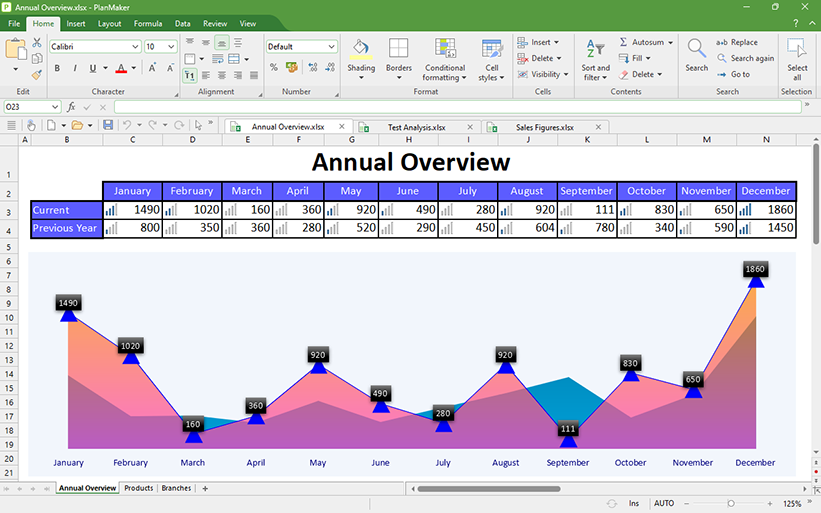
Transform numbers into informative charts
Create informative, presentation-quality charts from your data. Choose from 80 different 2D and 3D chart types and customize them with effects such as transparency, shadows and lighting.
With the page break preview, you can easily prepare your worksheets for printing.

PlanMaker
The GDPR-compliant alternative to Microsoft Excel
Get results quickly with PlanMaker. It handles even complex calculations with ease and turns raw numbers into attractive worksheets and compelling charts.
Create better spreadsheets in less time – with PlanMaker, the GDPR-compliant alternative to Microsoft Excel.