SoftMaker Office

Dear SoftMaker customers:
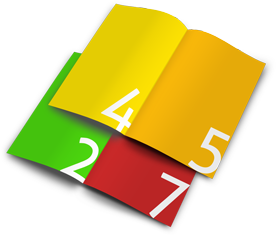
In the second part of our "Tips and tricks" series, Klaus Bailly, our guest author and a SoftMaker volunteer, explains how you can print out a multi-page TextMaker document in the form of a booklet: namely by fitting two regular pages each on each side of an A4 or Letter sheet. The objective is to receive a stack of printed pages, which can be made into a booklet by simply folding them in the middle.
SoftMaker Office

Dear SoftMaker customers:
From time to time, we'd like to use our blog to give you targeted assistance for using SoftMaker Office to help you make the most of our office suite. We'll have a look at some frequently asked questions and go through the solutions step-by-step.
In the first installment of this new blog section, we'll take a look at...
Recent posts
- Passing on your old phone: Two essential steps
- Your email address isn't yours – and it can cost you
- The telephone “yes” trap: the trick that falls apart when you look closely
- Smart TVs and privacy: What your television knows about you
- Can someone steal the passwords saved in my browser?
- BitLocker: Why you should use it – and how it can make you lose all your data
- Blocking ads in your browser: what actually works – and what it costs you
- How much RAM do I really need? 8, 16 or 32 GB
- The paperless home: a realistic way to get started
- How the World Wide Web came to be
- Storing your digital photos the right way
- Floppy disks, save icons and the eternal life of dead symbols
- How to extend your smartphone battery life: What actually works – and what’s just a myth
- Windows 10 won’t get updates anymore – what now?
- What to do when your phone gets stolen