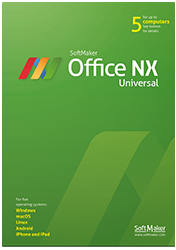
SoftMaker Office Professional 2026
Buy once. Use forever.
SoftMaker Office Professional 2026 is the permanet version for anyone who prefers to buy software outright rather than subscribe.
You pay once and can use the software for as long as you like on Windows, Mac and Linux – with the same documents, features and user interface on every platform.
With SoftMaker Office Professional 2026, you get a complete desktop Office suite that offers excellent compatibility with Microsoft Office documents.


Word processing, spreadsheets, presentations
Write. Calculate. Present.

Write: TextMaker
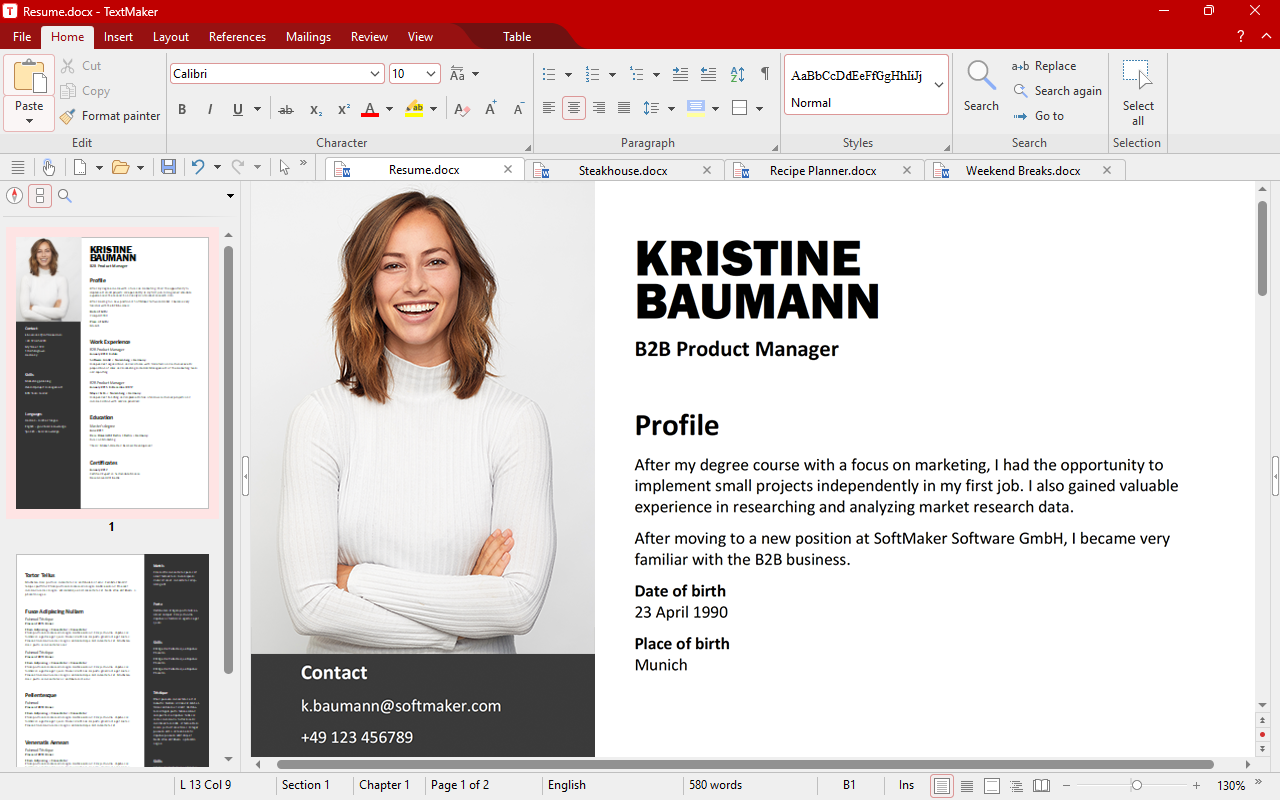
TextMaker lets you create documents of any length – from flyers and business letters to complete academic papers. Because DOCX is the native file format, your documents are directly compatible with Microsoft Word.

Calculate: PlanMaker
With PlanMaker, you can create calculations, spreadsheets and charts of any complexity – from class schedules to your company’s financial planning. With XLSX as the native file format, you can edit Excel files directly.

Present: Presentations
With Presentations, you can create presentations with animations and slide transitions that go beyond what PowerPoint offers. Because Presentations uses PPTX natively, you can exchange slides with PowerPoint without any hassle.

Privacy made in Germany
Secure. Trustworthy. GDPR compliant.
Your documents remain yours.
SoftMaker Office Professional 2026 runs locally on your device and strictly adheres to German data protection standards. Built with a clear focus on GDPR requirements – no hidden tracking, no forced cloud connection.
Compatible and more
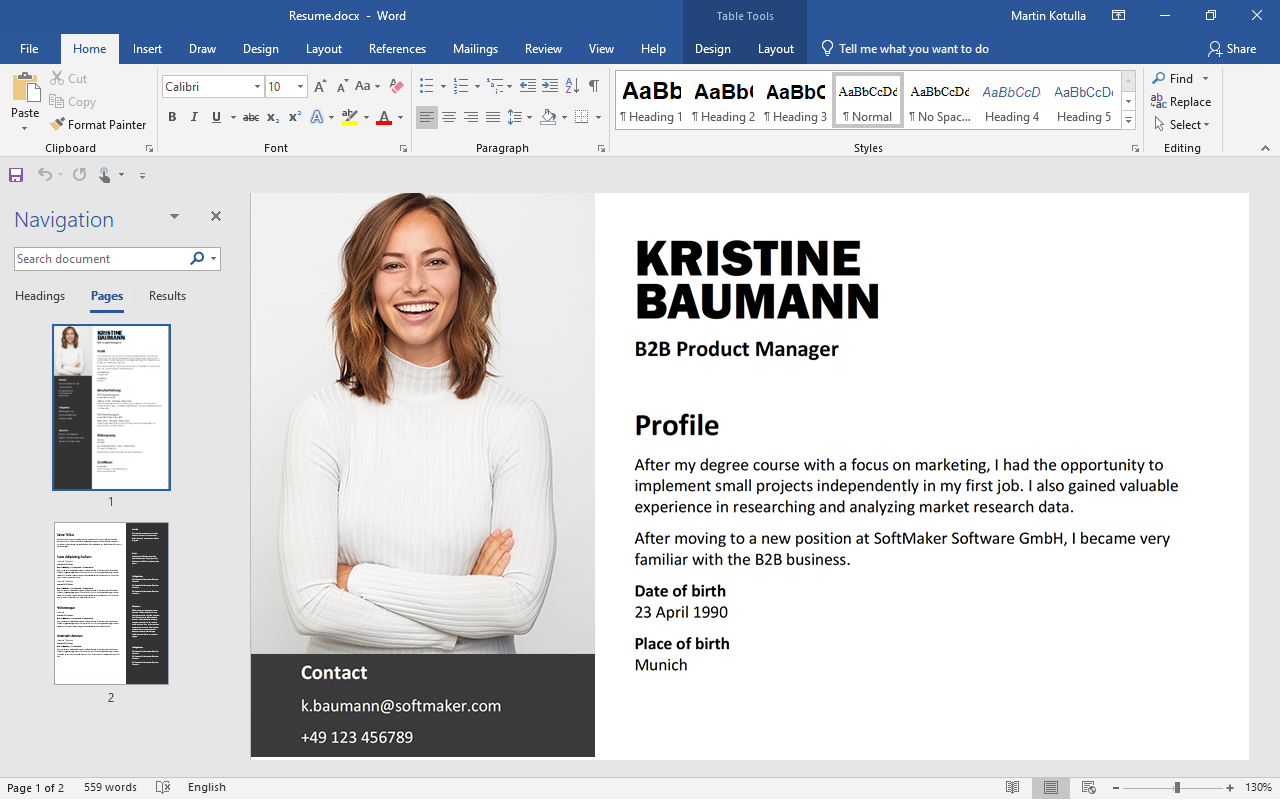
SoftMaker Office Professional 2026 uses DOCX, XLSX and PPTX as its default file formats.
This lets you continue editing your documents directly in Microsoft Office, with no conversion required.
At the same time, you get additional features that Microsoft Office does not offer.
What’s new in this version
Modern tools for your daily work
Dynamic arrays and XLOOKUP in PlanMaker
One formula, many results: Dynamic arrays automatically spill over into neighboring cells and update themselves whenever the data changes. This also includes XLOOKUP, the flexible successor to VLOOKUP, along with around 30 additional calculation functions.
A fresh design with a deep dark mode
An improved ribbon that now looks perfect even at 150% scaling, and an extra-dark mode that’s easy on the eyes during long work sessions – whether early in the morning or late at night.
Markdown in TextMaker
TextMaker now imports and exports Markdown – ideal for exchanging text with developers, in wikis or in note-taking apps without losing formatting.
Comments you can reply to in TextMaker
You can now reply to comments and mark them as resolved. This lets you collaborate with your team directly in the document instead of sending comments back and forth by email.
Color themes
Give documents, spreadsheets and presentations a cohesive new color scheme with a single click – and switch to another just as quickly whenever a different occasion calls for a new look.
QR codes and PDF as a graphic format
Create multi-line QR codes and EPC QR codes for bank transfers. And you can now insert PDF files directly into your documents as graphics.
New print preview
Print and preview in one dialog box: See the result immediately, then adjust pages, margins and output settings right alongside the preview – just like in Word and Excel.
Outline view with drag and drop
The improved outline view in TextMaker displays your document's structure. Drag a heading to a new location, and all its subheadings and paragraphs move with it automatically.
Emojis
In Windows, you can now easily insert emojis in TextMaker, PlanMaker and Presentations – for more casual notes, notices or presentation slides.
You can find the full list of improvements here.
Buy once or stay automatically up to date?
- SoftMaker Office Professional 2026 comes with a perpetual license, allowing you to use the software for as long as you like.
- You receive free service packs with bug and security fixes, but no new features or functional enhancements.
- If you want to receive every new version and all ongoing feature enhancements automatically, choose a SoftMaker Office NX Universal subscription.
Professional
|
NX
|
|
|---|---|---|
| Windows, Mac and Linux | ||
| Mobile devices (iOS, Android) | Yes, 5 mobile devices | |
| Always the latest version automatically | ||
| LanguageTool, DeepL & ChatGPT | ||
| Create and edit AI images | ||
| 2,500 fonts & font manager | ||
| Price | New Upgrade Order now |
for the first year Order now |

Buy once, use forever –
SoftMaker Office Professional 2026
View SoftMaker Office NX Universal