
Photos used to sit in shoeboxes up in the attic, where they survived for decades. Today thousands of pictures live on a smartphone – and, paradoxically, they are more at risk than the old paper prints ever were.
Why is that – and what can you do about it?
The Friday Chat
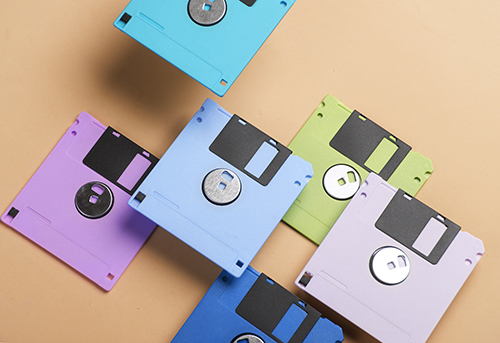
You open a document, change a line and click the little square icon at the top left. Saved. What you just clicked on is the stylized image of a 3.5-inch floppy disk – an object most adults haven’t held in their hands for twenty years.
When was the last time you actually held a floppy disk?
The Friday Chat
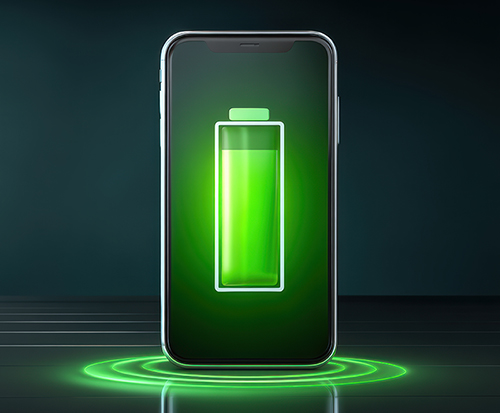
After two years, your phone barely makes it through half a day. Frustrating — and seemingly unavoidable. Friends and family then trot out the same old advice: drain it completely before charging, never leave it plugged in overnight, and whatever you do, don’t fast-charge it.
The trouble is: most of that isn’t true anymore. And some of it actively damages your battery.
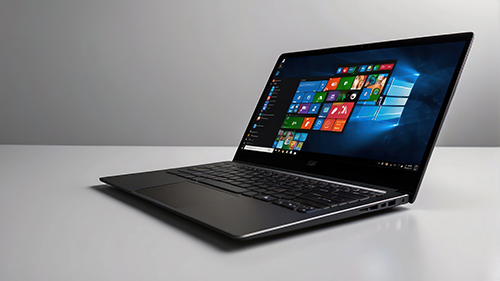
Since October 2025, Windows 10 no longer receives security updates. Millions of PCs are still running it – and many of them can’t even upgrade to Windows 11.
What are your real options? A no-nonsense look at what comes next.
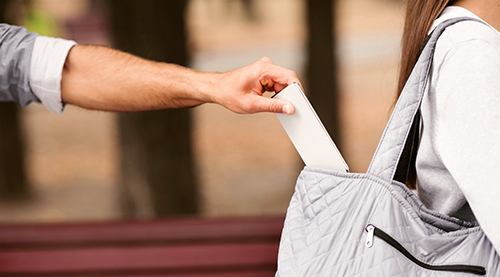
It happens in seconds: a quick grab on the subway, an unguarded moment at a sidewalk café – and your smartphone is gone. What most people don’t realize: after a theft, they end up losing far more than just the device. Because they do the wrong things in the first few hours – or the right things too late.
This article has two parts: what to do if it just happened – and what you can set up right now so that if it ever does happen, the damage stays manageable.