New version available
NEW SoftMaker Office NX for Windows, Mac, Linux, iOS and Android
One Office suite for all your devices
Get the new version: AI images, a fresh design with an extra-dark dark mode, dynamic arrays and XLOOKUP in PlanMaker, plus Markdown and the ability to reply to comments in TextMaker – and much more.

SoftMaker Office Professional 2026
The permanent version for Windows, Mac and Linux – buy once, use forever
Prefer to buy rather than subscribe? The new SoftMaker Office Professional 2026 offers dynamic arrays and XLOOKUP in PlanMaker, an extra-dark dark mode, plus Markdown and the ability to reply to comments in TextMaker – and much more.


FlexiPDF NX and 2025
The best GDPR-compliant alternative to Adobe Acrobat
The PDF editor FlexiPDF makes editing PDFs as easy as working with a word processor.
With automatic DeepL translation, AI-based document summarization and excellent language tools.
Fonts
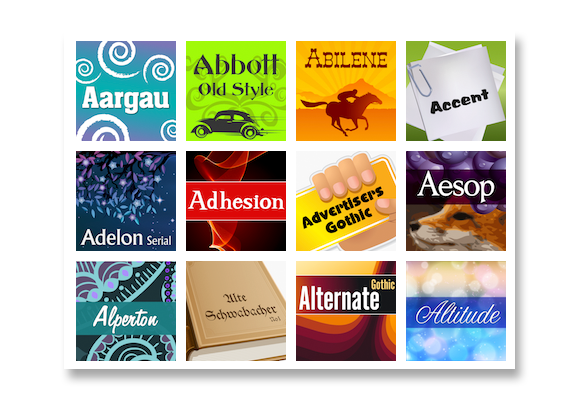
Great fonts for every occasion
Premium-quality OpenType and TrueType fonts for Windows, macOS and Linux.
Web fonts with unlimited pageviews included.
At www.freefont.de we offer new free fonts every month.
New in SoftMaker Office
August 11
The new SoftMaker Office 2026 is available starting today.
July 14
The new SoftMaker Office NX is available starting today.
New in FlexiPDF
June 30
Revision 420 of FlexiPDF NX and 2025 Read more
April 29
Revision 418 of FlexiPDF NX and 2025
December 15
Revision 416 of FlexiPDF NX and 2025
October 7
The final 64-bit version of FlexiPDF is now available!
August 12
Revision 412 of FlexiPDF NX and 2025
More news
August 1
Our new free font of the month is “Micro Pro.” Download it now at www.freefont.de.
Blog
February 21
Creating mail merges and address labels with TextMaker and SQLite
June 23
Get the most out of SoftMaker Office for Android