BETA SoftMaker Office NX and 2026
Public beta
Try the next generation of SoftMaker Office: The public beta of SoftMaker Office NX and SoftMaker Office 2026 is now available as a free download for Windows, Mac and Linux. Try out the new features –and help make the final version even better with your feedback.
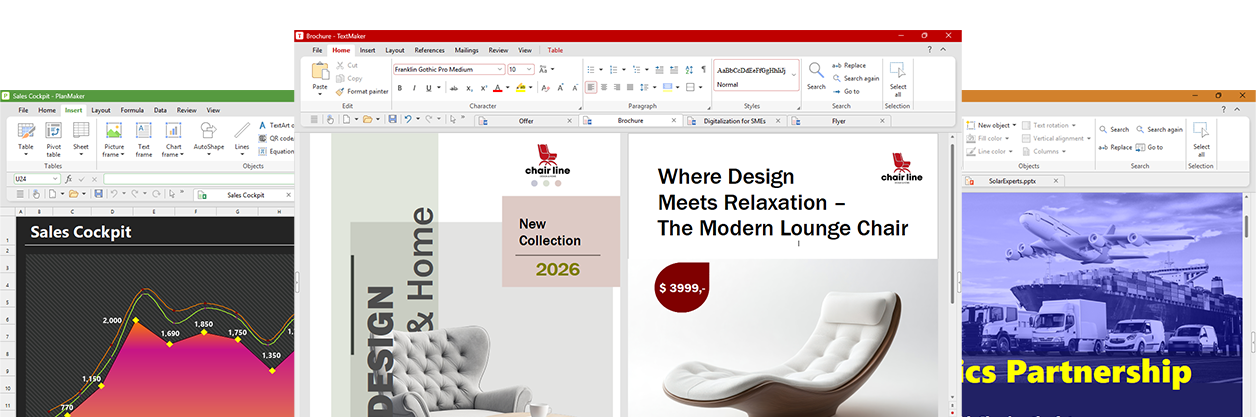
Co nowego?
Key new features in TextMaker, PlanMaker and Presentations
Wszystkie programy
TextMaker, PlanMaker and Presentations



Interfejs użytkownika
- A fresh new design for the ribbon – now razor-sharp even at 150% screen scaling.
- Much deeper dark mode – nearly black instead of charcoal, making it easier on the eyes at night
- Pomocne menu kontekstowe ze zintegrowanym paskiem narzędzi. Umożliwia to szybkie wybranie wielu typowych poleceń
- Copy and paste unformatted text with Ctrl+Shift+C and Ctrl+Shift+V. The commands for copying and pasting formatting are now available via Ctrl+Alt+C and Ctrl+Alt+V.
- System Linux: systemowe okno dialogowe plików teraz pojawia się nawet wtedy, gdy nie jest używane środowisko Gnome. Trzeba tylko zainstalować biblioteki Gtk
Nowe funkcje
- Create high-quality, copyright-free images directly in SoftMaker Office with ChatGPT’s AI: “Create an image of the Statue of Liberty at night with fireworks”
- Completely transform images with ChatGPT: "Replace the rainy sky in this image with sunshine and a few light clouds"
- PDF jest teraz obsługiwany jako nowy format obrazów. Pliki PDF można wstawiać jako obrazy w aplikacjach TextMaker, PlanMaker i Presentations, więc poza SVG jest dostępny kolejny format grafiki wektorowej o wysokiej jakości
- The new color themes let you give documents, worksheets and presentations a fresh new look with a single click, complemented by a new default color palette with a wide range of practical colors.
- Insert emojis (currently Windows only)
- Multi-line QR codes and EPC QR codes – for example, for bank transfers by scanning
- The Chat with the AI feature now allows a true back-and-forth with follow-up questions.
- System Linux: instalacja pakietu SoftMaker Office już nie powoduje powiązania z nim wszystkich obsługiwanych typów dokumentów. Teraz jest to tylko opcjonalne przy uruchamianiu programów
- Systemy Mac i Linux: zmienne fonty TrueType są teraz lepiej obsługiwane
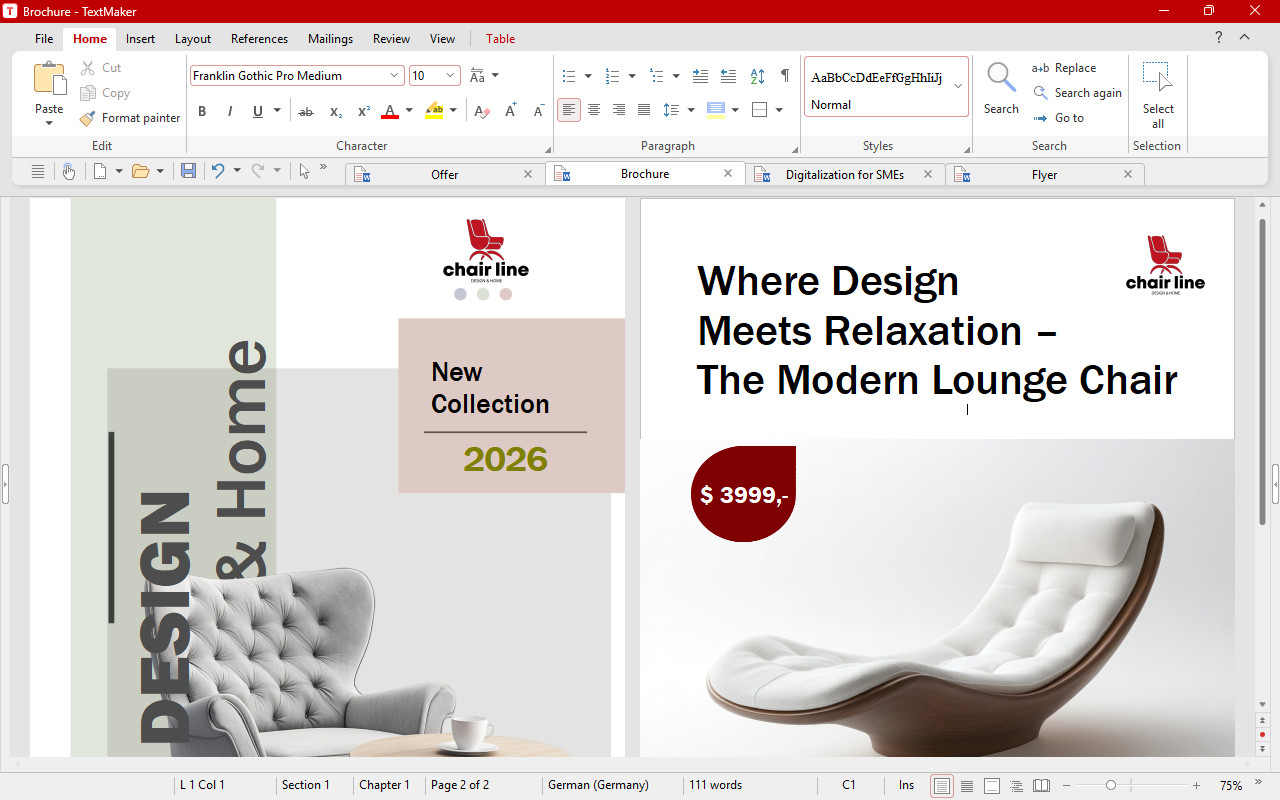
Review and revise
- Grammar and style checking with LanguageTool in around 30 languages
- New version of Duden Korrektor
- Teraz można odpowiedzieć na komentarz i oznaczyć komentarze jako „rozwiązane”
- Komentarze w tabelach nie są już dołączone do całych komórek, ale poszczególnych fragmentów tekstu w komórkach
- You now choose how Tracked changes are displayed (deletions in the text or in the right margin) once for the entire program, without having to change it back for each document.
- A new drop-down list in the ribbon lets you quickly switch between the change-tracking display modes.
- Improved outline view: Easily move headings, along with their sublevels, using drag and drop or the new ribbon buttons.
Documents and exchange
- The new "Print" dialog now includes an integrated print preview, which makes preparing to print much easier.
- Seamless DOCX compatibility: DOCX files are now created so that no compatibility prompt appears either when saving in TextMaker or when opening them in Word.
- Markdown import and export: TextMaker can now open and save Markdown files (.md) – the file format used by many note-taking apps, AI tools and software documentation.
- You can create custom fields and assign values to them via File | Properties.
- Przy kopiowaniu i wycinaniu akapitów obrazy oraz obiekty zakotwiczone w akapicie są przenoszone razem z nim
- Opcja „Drukuj tło strony” już nie wpływa na eksport pliku PDF. Tło strony jest teraz zawsze eksportowane przy tworzeniu pliku PDF
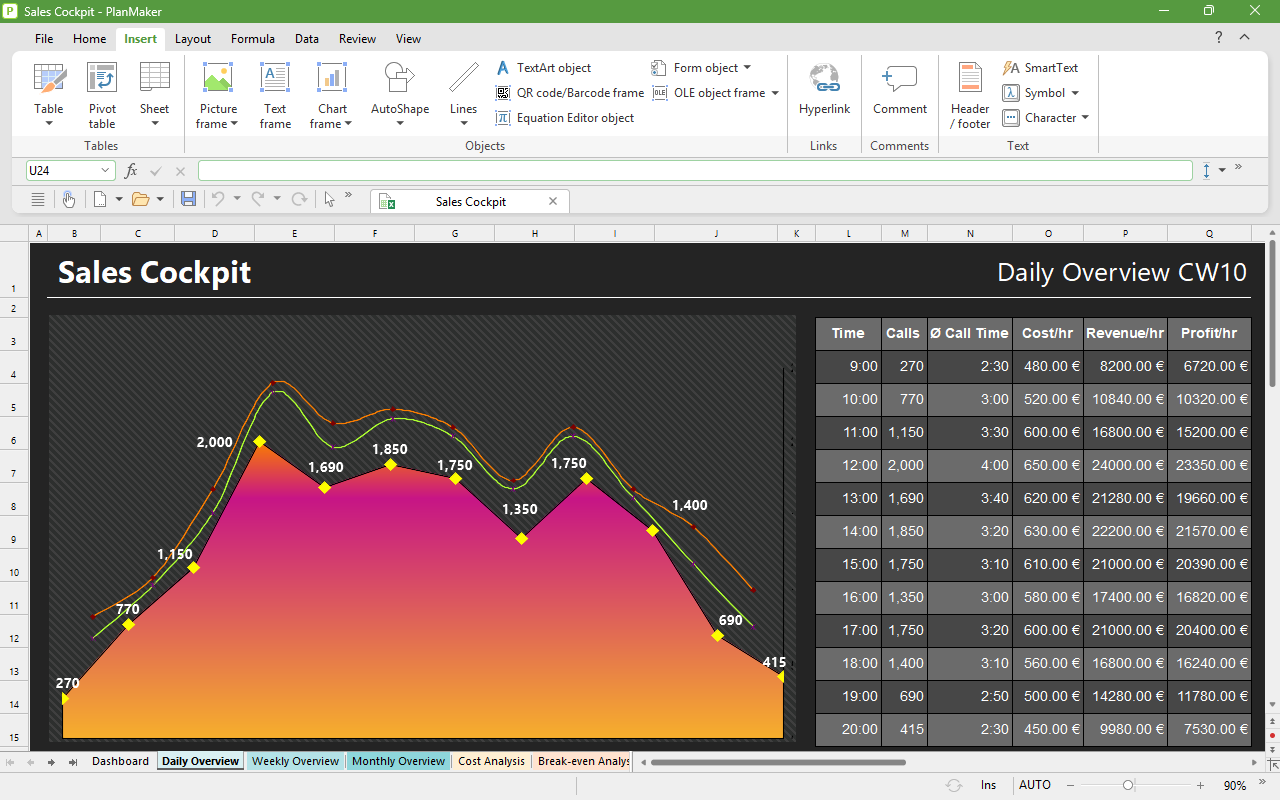
Dynamic arrays: One formula, many results
PlanMaker now supports dynamic arrays like Excel 365: A single formula can return multiple results that automatically "spill" into adjacent cells and update themselves whenever the data changes. For example, enter =SORT(A2:A100) in a cell, and the entire sorted list will appear below it without you having to copy or fill down any formulas. These new features make use of it:
- Filter – filter data with formulas, without a pivot table
- Sort – sort ranges dynamically
- Unique – automatically remove duplicates
- Sequence – generate number sequences with a formula
- ToRow, ToCol – convert ranges into a row or column
- RandArray – create an array with random numbers
More new features
- The new "Print" dialog now includes an integrated print preview, which makes preparing to print much easier.
- Pivot charts – dynamic, interactive graphical representations of the data in an associated pivot table.
- The colors of the standard cell styles are now better coordinated, making the text easier to read.
Additional new mathematical functions
Modern reference lookup
- XLookup – the flexible successor to VLookup
- XMatch – position search with advanced options
Date and special functions
- Workday.Intl, NetWorkdays.Intl – calculate workdays with freely definable weekends
- Aggregate – calculations that can ignore error values and hidden rows
- MUnit – identity matrix for matrix calculations
- Unicode, Unichar – convert between characters and Unicode values
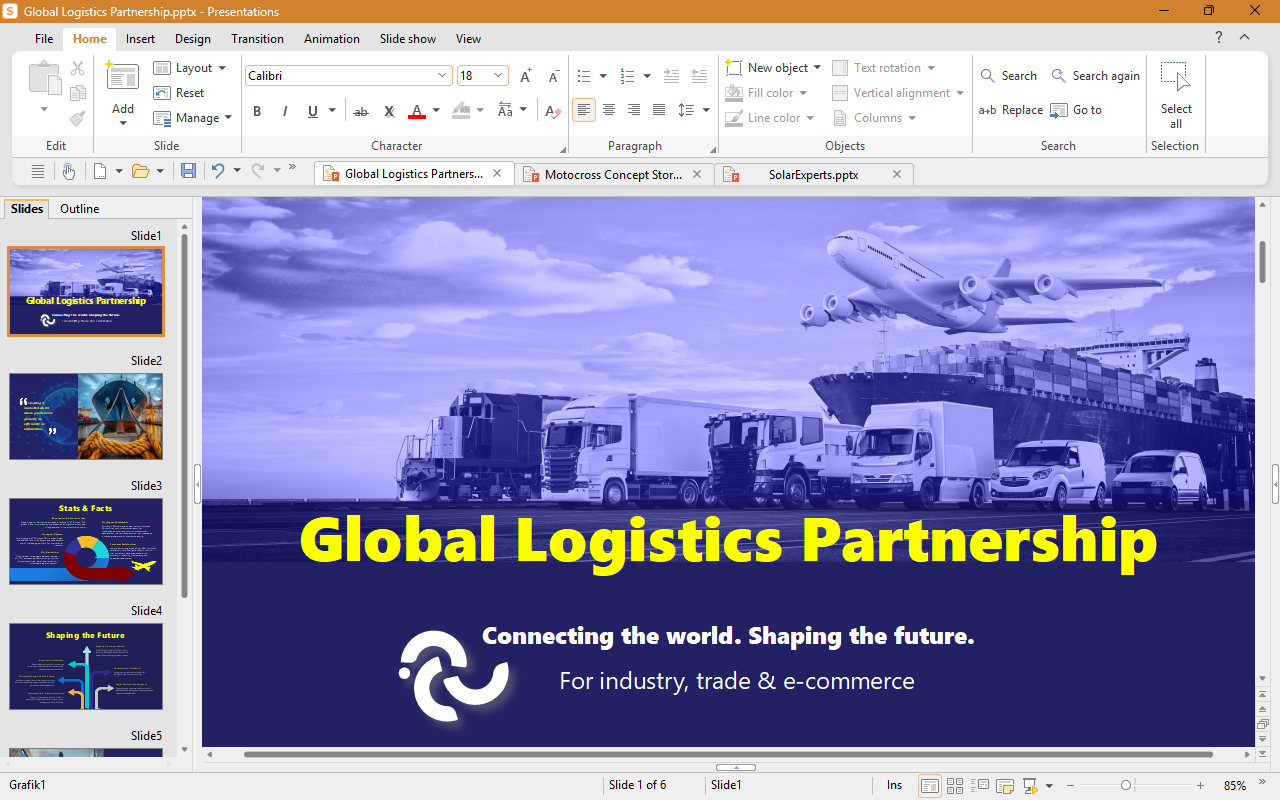
- Create complete presentations with AI: Just give ChatGPT the topic, and the AI will create the entire presentation for you.
- Summarize presentations with AI: At the touch of a button, AI summarizes long presentations – ideal for quickly getting up to speed on slide decks from others or creating a handout.
- Enhance your slides with realistic AI-generated images – created right in Presentations or customized to your liking.
- The new color themes let you give an entire presentation a fresh color scheme with a single click – ideal for quickly adapting slides to match your corporate design.
- Insert PDF files as images: vector quality that stays razor-sharp even on the big screen.
- QR codes on slides: Take your audience directly to downloads, surveys or your website.
- The new text highlighter highlights important passages of text, just like in TextMaker and PlanMaker.
Join the test now
Download the beta for free – for Windows, Mac and Linux
Your feedback matters to us: discuss the beta with other testers and report bugs in our forum.