Presentations
The GDPR-compliant alternative to Microsoft PowerPoint
Presentations is the presentation software in SoftMaker Office NX Universal:
fast, powerful, compatible and GDPR-compliant.

Presentations on all five operating systems – same presentation, same formatting.
Compatible with PowerPoint
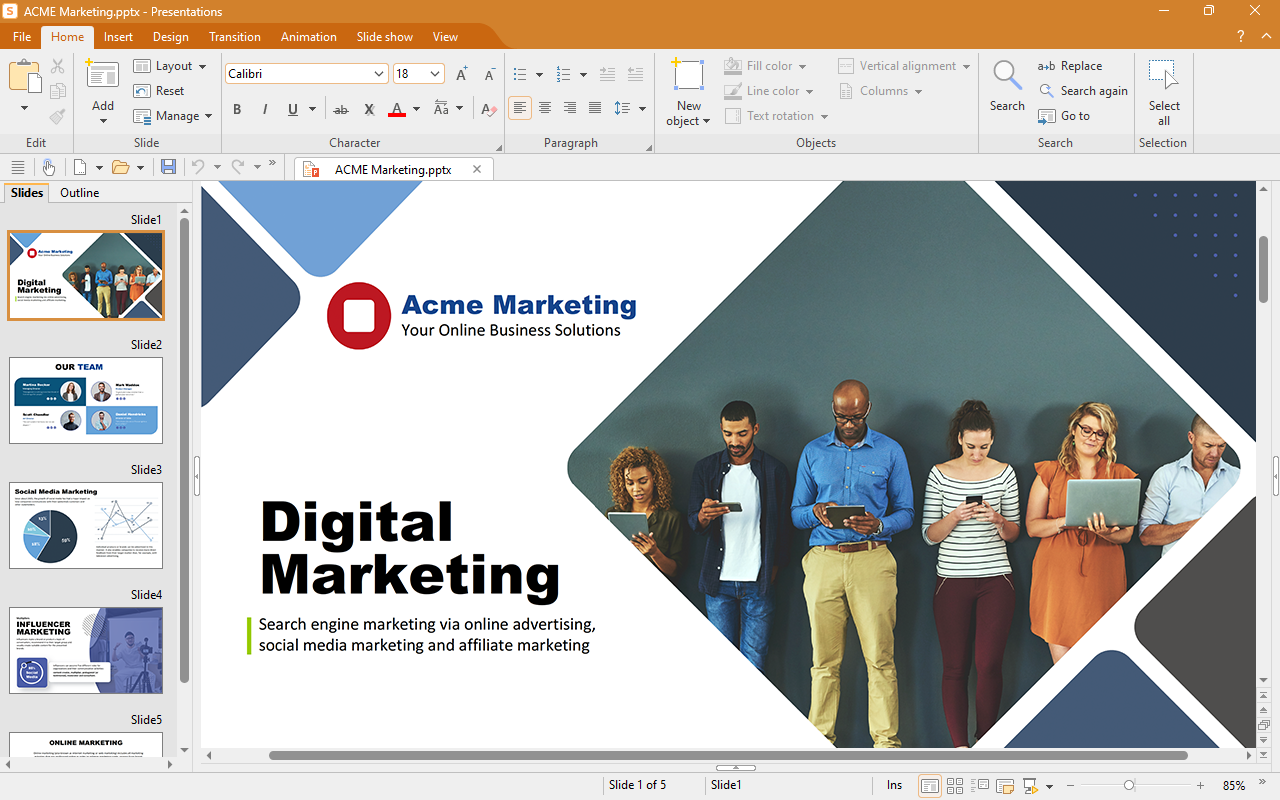

Seamless exchange of documents
PPTX is the default file format of Presentations. Open files created with Presentations in Microsoft PowerPoint without conversion – and vice versa.
Presentations, the GDPR-compliant alternative to Microsoft PowerPoint, also exports your presentations as videos as well as PDF and PDF/A files.
What’s new in this version
Artificial intelligence for your presentations
Create presentations with AI
Just enter your topic, and ChatGPT’s AI will create the right slides with text and headings. This gives you a complete presentation framework in seconds that you can then refine to suit your needs.
Summarize presentations
At the touch of a button, the AI summarizes long presentations – ideal for quickly understanding unfamiliar slide decks or creating a handout.
AI images directly in the presentation
Enhance your slides with realistic AI-generated images –created directly in Presentations from a description or customized to your liking.
Highlighter and color themes
The new highlighter emphasizes important passages – just like in TextMaker and PlanMaker. And with the new color themes, you can give an entire presentation a new color scheme with a single click.
You can find the complete list of what's new here.
Design attractive slides
Simply impressive
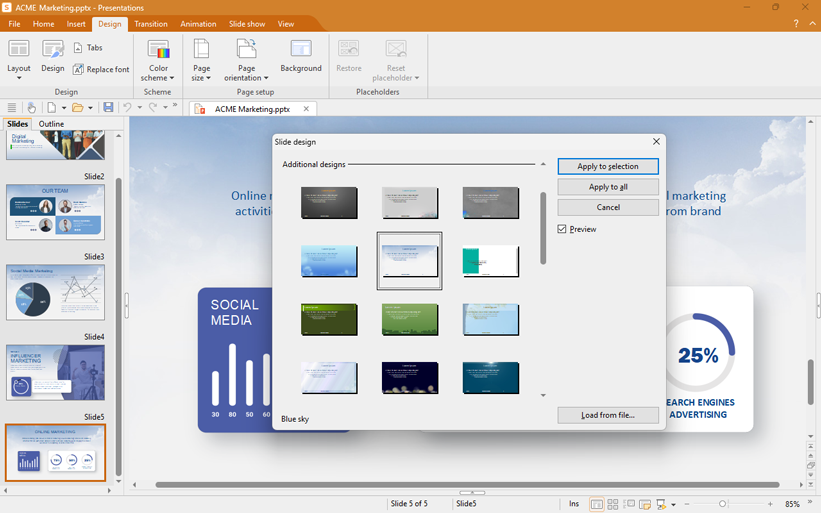
"Just add text" – If you do not want to design your own slides, the large variety of attractive design templates included can be used to form the basis of your presentation.
You can click to switch between various color schemes and slide layouts in the practical sidebar. You can switch between background colors, gradients and images just as quickly.
The sophisticated master page concept helps you create especially large presentations. This ensures not only a consistent look, but also compatibility with Microsoft PowerPoint.
Presentations with pep
Little effort, great effect
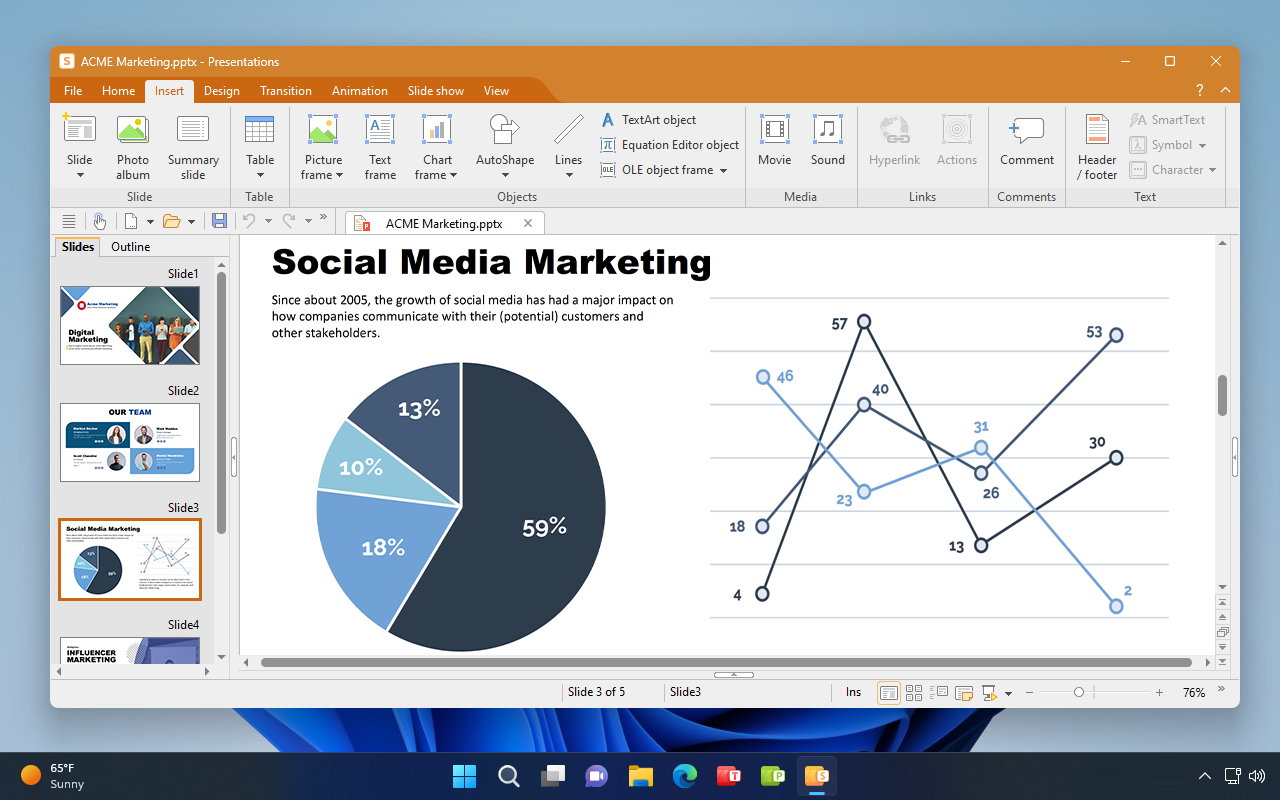
Presentations offers numerous animations and slide transitions powered by OpenGL and Metal graphics acceleration – smoother and more sophisticated than what PowerPoint offers.
Create slides with graphics, tables and charts. Presentations also lets you embed music, spoken narration and videos in slides.
The TextArt feature enables you to create slogans, and the included AutoShapes let you underline important items graphically.
Create and present on the go with the convenience of a desktop presentation program

Work on your presentations wherever and whenever you want
Presentations runs on more than just Windows, Mac and Linux. With SoftMaker Office NX Universal, you also get Presentations for your iPhone, iPad and Android device.
On iOS and Android, Presentations offers the full range of features of a desktop presentation program.
Create presentations on the go and save them as compatible PPTX files.


Light off. Spot on.
With Presentations, your presentation will be a success
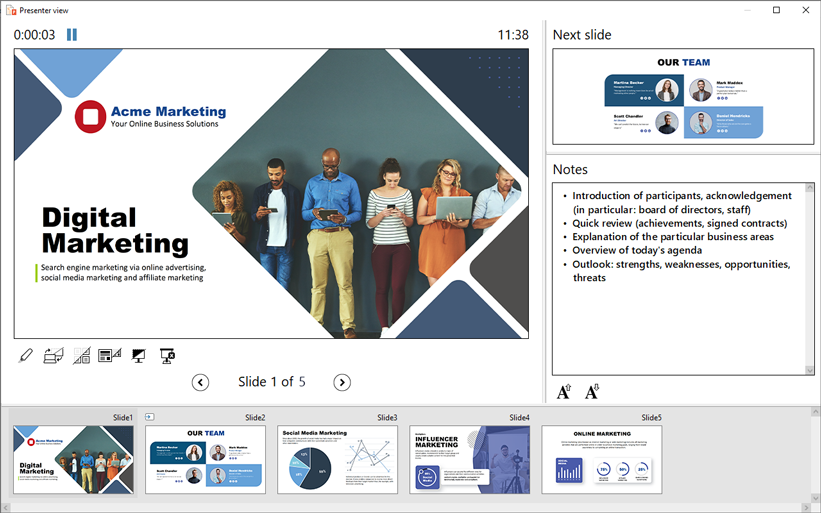
Switch the slides manually or via timer control, and arrange the slide order for your audience with customized slide shows.
The integrated presenter view helps you present professionally.
Create portable slide shows that you can play on any Windows computer – even if no presentation software is installed.

Presentations
The GDPR-compliant alternative to PowerPoint
Create stunning presentations with Presentations. Impressive graphics, sophisticated animations and slide transitions, and easy-to-use audio and video are the ingredients for your success.